

- red vs blue better variant0
red vs blue better variant
MrDystopia
- red v blue107
red v blue
Haydauh
- Red vs Blue100
Red vs Blue
Marzian
- Red vs Blue FIX100
Red vs Blue FIX
Marzian
- elite0
elite
MonoWetConvolution24076
- master vheif100
master vheif
TransientTransmissionFading63879
- Halo Elite100
Halo Elite
ConvolutionRatioMajor91593
- Grunt goblin suit100
Grunt goblin suit
OvertoneDynamicCondenser92396
- Echo-Red100
Echo-Red
RedLaken
- sing0
sing
SignalRingGate77150
- roboio BLUE BOMBOM0
roboio BLUE BOMBOM
Beebop1
- Delayed0
Delayed
SendLevelRing27974
See How others use red vs blue as a voice changer
See how streams, games, and chats level up in real time with Voicemod voice changer.
Why choose Voicemod?
Optimized for gamers and streamers.
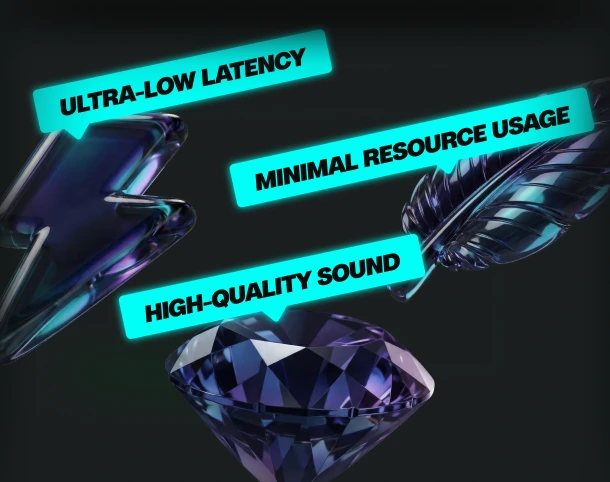
Ultra-low latency and minimal resource use.
Boost your mic
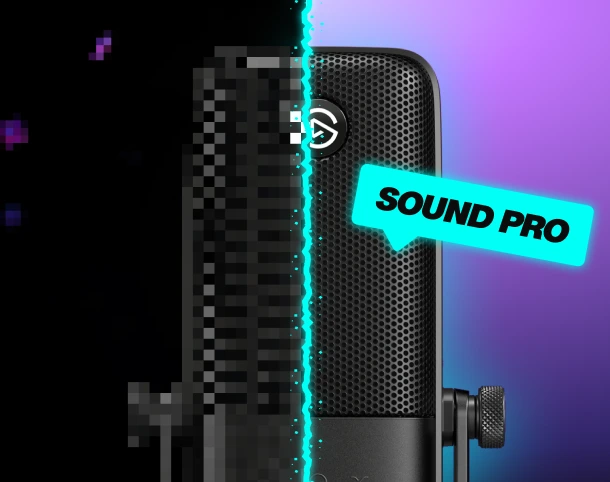
No matter your setup—built-in noise suppression and voice enhancement.
Custom keybinds
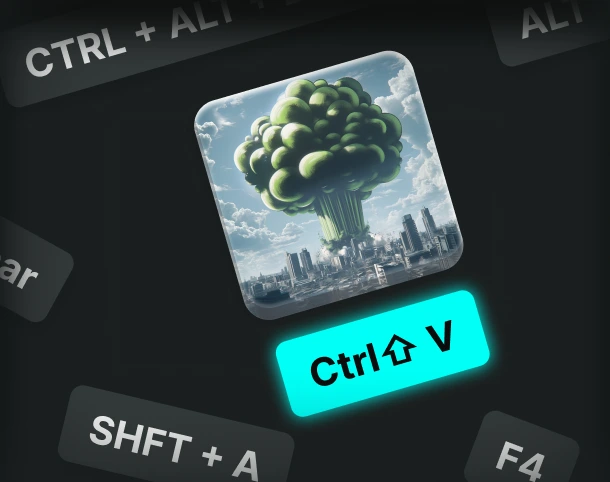
Assign sounds and voice filters to any key, and fire them off instantly.
AI voices trained with pro voice actors.
Fairly Trained certified models.

Control Voicemod your way
More than 150 real-time voice changers—and thousands of Community voices. Become the avatar.
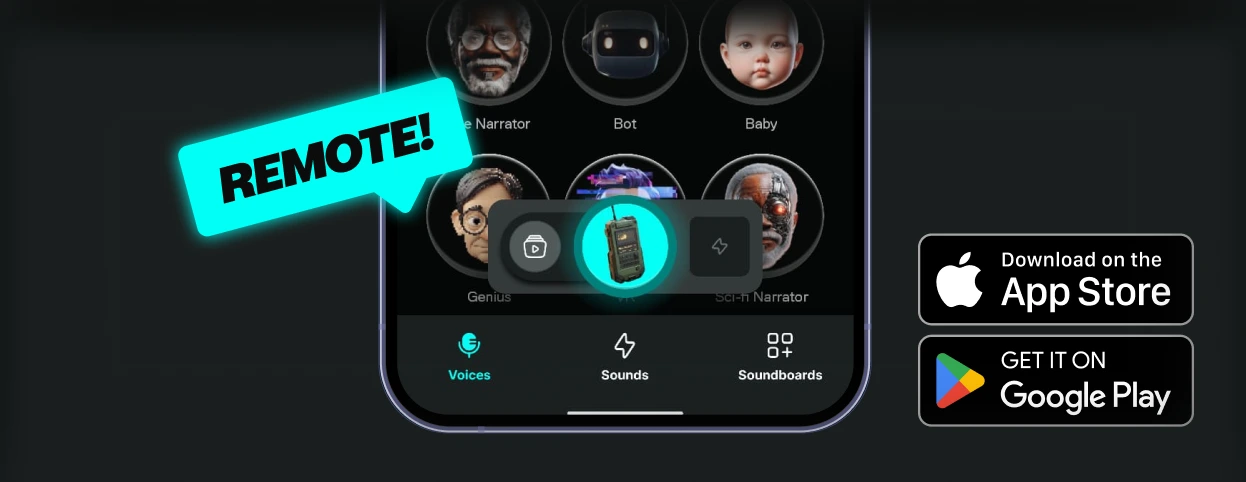
How to use the red vs blue voice changer?
Getting started with Voicemod is quick and easy:

1. Supercharge your mic
Download and install Voicemod. We’ll create a "virtual microphone" to supercharge your sound.
2. Set It Up
Set Voicemod Virtual Microphone as the input device in the app or game you're using.

3. Blow Minds
Pick the red vs blue voice, drop some memes, and boost the way you sound.
What can you do with Voicemod Voice Changer?
Prank it. Play it. Stream it. Do it all in real time with voice changer on Voicemod.
Prank Infinite
Change your voice, troll your friends - again and again.

Have Fun & Play
Explore all of our Community voices. Try them. Tweak them.

Do your Best Stream
Hook your audience and keep them watching.