

Teardrop V2 Voice Changer
by @TeardropDoesStuffOnVR
Who knows which one will be in the game..?
- 100
Aw Shuck X Teardrop
TeardropDoesStuffOnVR
- 100
BatmanTelltaleSeries
Alfei
- 100
ipad kid
FlexibleDesk
- 100
weird ahh alien
BassFilterDistortion88194
- 100
Sundrop
SpecularNoiseThreshold60182
- 100
AlastorNewVoice
SustainBrightHertz83631
- 100
Glamrock Freddy
TightNoiseEcho57510
- 100
FunnyMic LOUD
xninu
- 100
Nico ED
BusFaderHigh52484
- 100
GhostFace
Gengar
- 0
puppet v2
LiveDigitalTransmission93540
- 0
miraidon v2
duckyofficial
See How others use Teardrop V2 as a voice changer
See how streams, games, and chats level up in real time with Voicemod voice changer.
Why choose Voicemod?
Optimized for gamers and streamers.
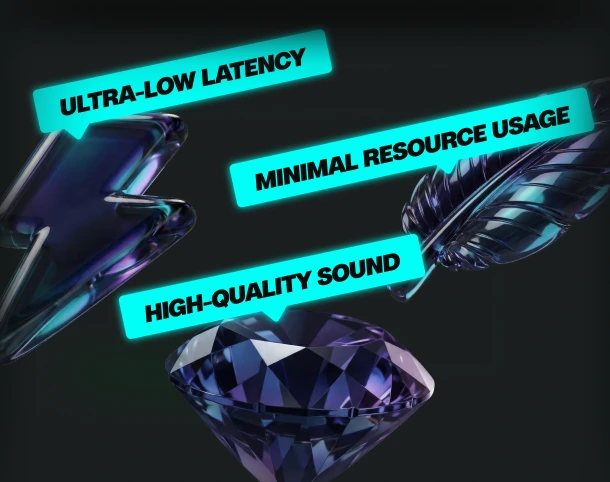
Ultra-low latency and minimal resource use.
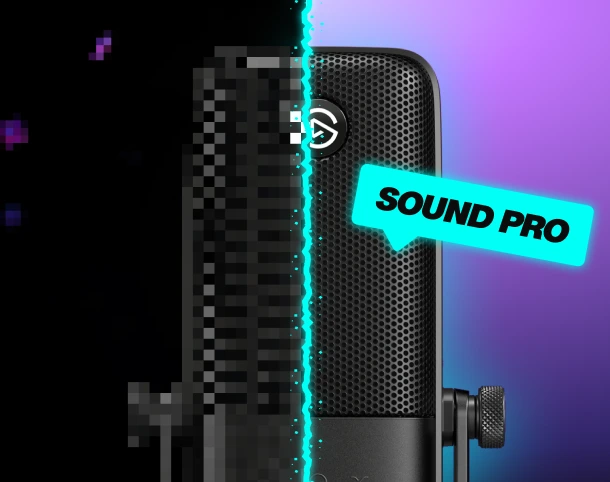
Boost your mic
No matter your setup—built-in noise suppression and voice enhancement.
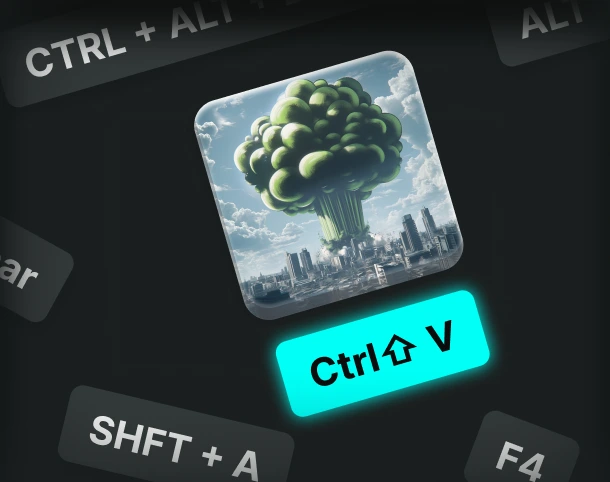
Custom keybinds
Assign sounds and voice filters to any key, and fire them off instantly.
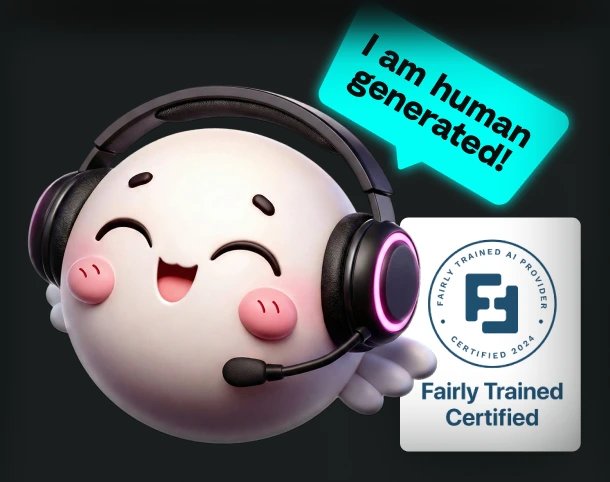
AI voices trained with pro voice actors.
Fairly Trained certified models.
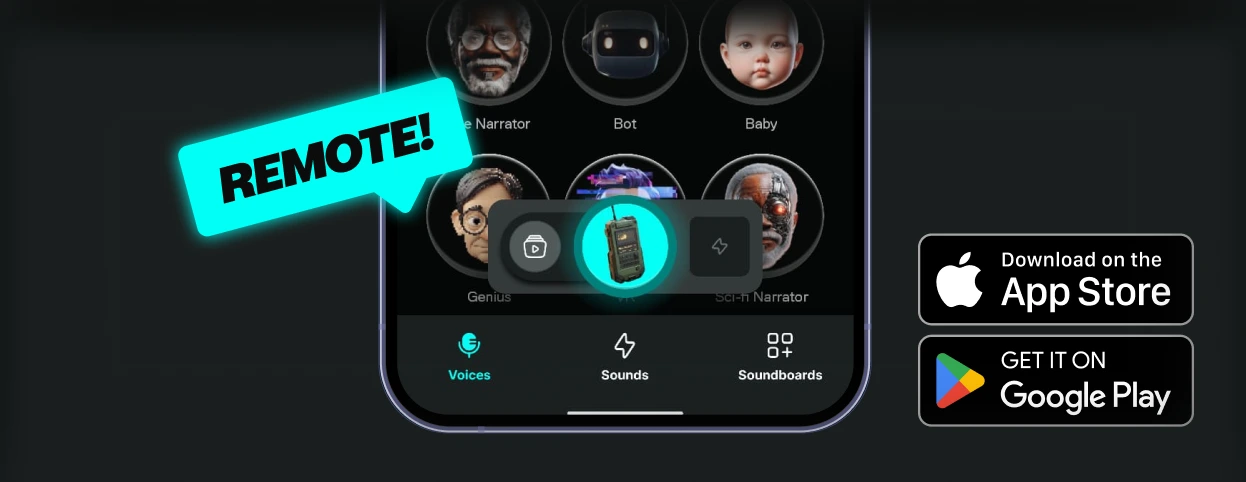
Control Voicemod your way
More than 150 real-time voice changers—and thousands of Community voices. Become the avatar.
How to use the Teardrop V2 voice changer?
Getting started with Voicemod is quick and easy:

1. Supercharge your mic
Download and install Voicemod. We’ll create a "virtual microphone" to supercharge your sound.
2. Set It Up
Set Voicemod Virtual Microphone as the input device in the app or game you're using.
3. Blow Minds
Pick the Teardrop V2 voice, drop some memes, and boost the way you sound.
What can you do with Voicemod Voice Changer?
Prank it. Play it. Stream it. Do it all in real time with voice changer on Voicemod.
Prank Infinite
Change your voice, troll your friends - again and again.

Have Fun & Play
Explore all of our Community voices. Try them. Tweak them.
Do your Best Stream
Hook your audience and keep them watching.