

MY PA Voice Changer
by @FlangerSendFeedback85698
This is a rendition of a PA system
- PA System100
PA System
MrMichaelElectric
- PA System100
PA System
DistortionDecayExciter53233
- TEM PA System0
TEM PA System
MrMichaelElectric
- Michael Donalds100
Michael Donalds
Emetophobia
- Megaphone100
Megaphone
ShiftingCutoffDistortion58459
- mic test100
mic test
TremoloFundamentalRotary36291
- Bonnie0
Bonnie
CardioidRingOctave7449
- podcast test0
podcast test
FormantLowMultiBand71569
- Normal Mic ko0
Normal Mic ko
Zukkiza
- clear mic100
clear mic
unknownAmbience
- Story telling100
Story telling
Sebbe384
- Phone guy100
Phone guy
sebastian3232
See How others use MY PA as a voice changer
See how streams, games, and chats level up in real time with Voicemod voice changer.
Why choose Voicemod?
Optimized for gamers and streamers.
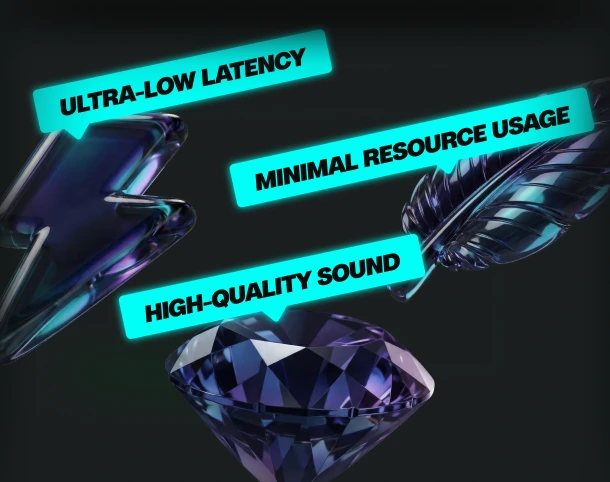
Ultra-low latency and minimal resource use.
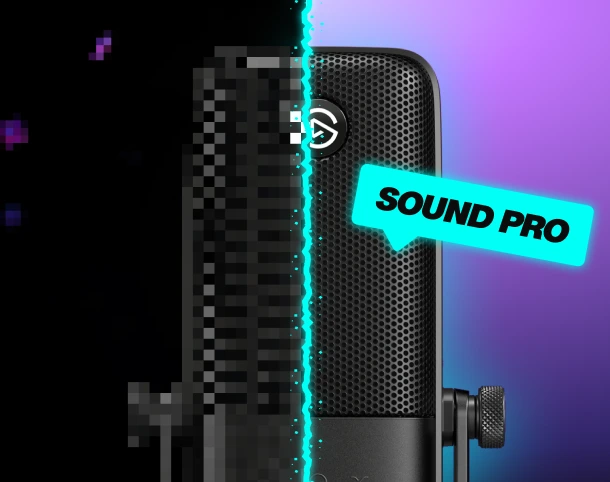
Boost your mic
No matter your setup—built-in noise suppression and voice enhancement.
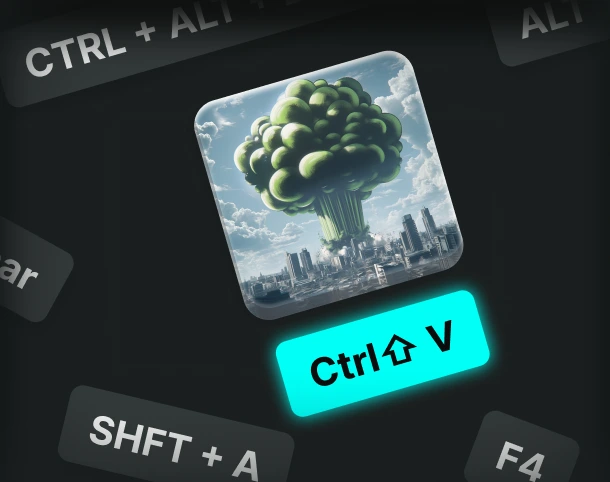
Custom keybinds
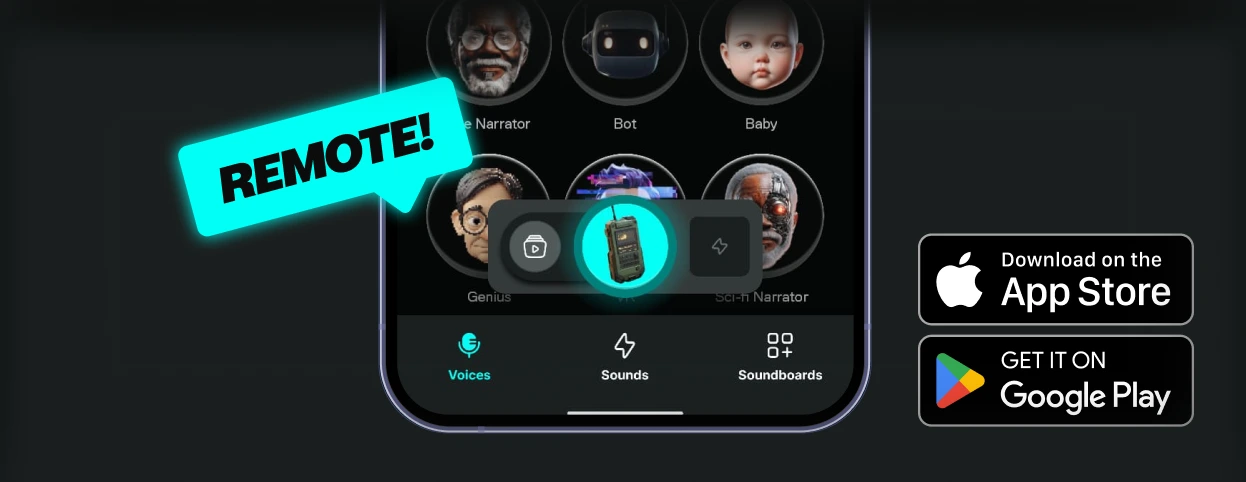
Assign sounds and voice filters to any key, and fire them off instantly.
AI voices trained with pro voice actors.
Fairly Trained certified models.
Control Voicemod your way
More than 150 real-time voice changers—and thousands of Community voices. Become the avatar.
How to use the MY PA voice changer?
Getting started with Voicemod is quick and easy:
1. Supercharge your mic
Download and install Voicemod. We’ll create a "virtual microphone" to supercharge your sound.
2. Set It Up
Set Voicemod Virtual Microphone as the input device in the app or game you're using.
3. Blow Minds
Pick the MY PA voice, drop some memes, and boost the way you sound.
What can you do with Voicemod Voice Changer?
Prank it. Play it. Stream it. Do it all in real time with voice changer on Voicemod.
Prank Infinite
Change your voice, troll your friends - again and again.

Have Fun & Play
Explore all of our Community voices. Try them. Tweak them.
Do your Best Stream
Hook your audience and keep them watching.