

- NixoOneShot.ExeV10
NixoOneShot.ExeV1
SaturationDryLevel56332
- World Machine100
World Machine
DeEsserDampingMuted42087
- World Machine0
World Machine
DeEsserDampingMuted42087
- World Machine0
World Machine
DeEsserDampingMuted42087
- NIKO100
NIKO
FlutterTapeFundamental41817
- Prototype0
Prototype
cookietheva
- [NEW] The World Machine (OneShot)0
[NEW] The World Machine (OneShot)
IceboyOG
- niko100
niko
SnowyTuhDreamer
- EXE BEAST FORN0
EXE BEAST FORN
ChorusPhaseRing57568
- soinc exe100
soinc exe
1233444455
- 2011x/Sonic.Exe118
2011x/Sonic.Exe
TheAverageTroller
- ALLFATHER!100
ALLFATHER!
SoullessSolitude
See How others use Nixo OneShot.Exe as a voice changer
See how streams, games, and chats level up in real time with Voicemod voice changer.
Why choose Voicemod?
Optimized for gamers and streamers.
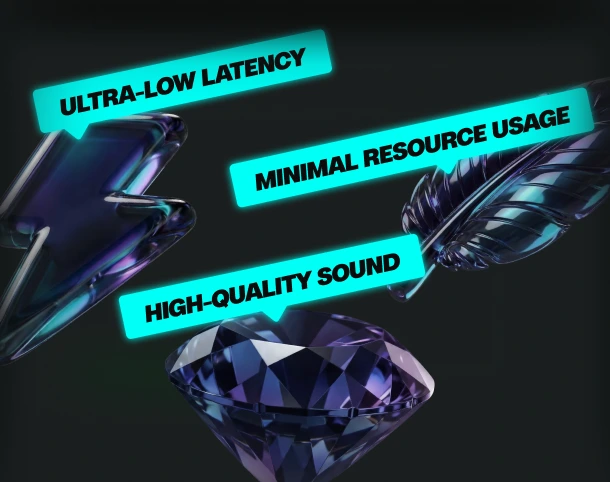
Ultra-low latency and minimal resource use.
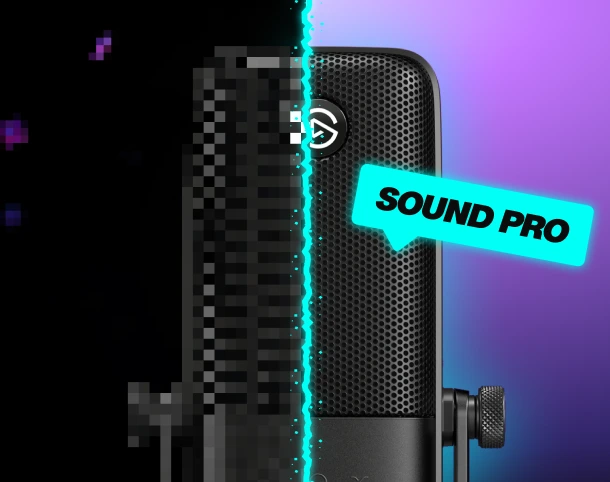
Boost your mic
No matter your setup—built-in noise suppression and voice enhancement.
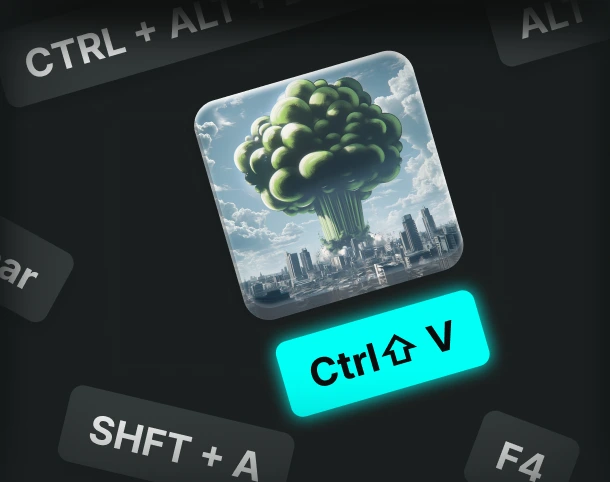
Custom keybinds
Assign sounds and voice filters to any key, and fire them off instantly.
AI voices trained with pro voice actors.
Fairly Trained certified models.
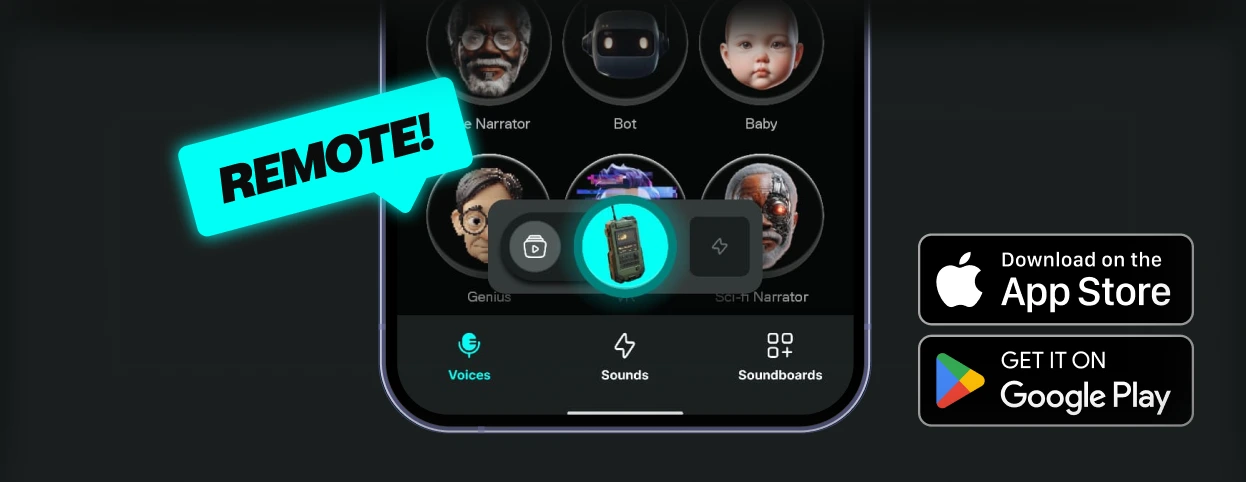
Control Voicemod your way
More than 150 real-time voice changers—and thousands of Community voices. Become the avatar.
How to use the Nixo OneShot.Exe voice changer?
Getting started with Voicemod is quick and easy:
1. Supercharge your mic
Download and install Voicemod. We’ll create a "virtual microphone" to supercharge your sound.
2. Set It Up
Set Voicemod Virtual Microphone as the input device in the app or game you're using.
3. Blow Minds
Pick the Nixo OneShot.Exe voice, drop some memes, and boost the way you sound.
What can you do with Voicemod Voice Changer?
Prank it. Play it. Stream it. Do it all in real time with voice changer on Voicemod.
Prank Infinite
Change your voice, troll your friends - again and again.

Have Fun & Play
Explore all of our Community voices. Try them. Tweak them.
Do your Best Stream
Hook your audience and keep them watching.