

Shys Alley Voice Voice Changer
by @ShysAlley
Just a simple clean mic for me to use.
- Crispy Deep EQ0
Crispy Deep EQ
emootyn
- Deep Crispy0
Deep Crispy
emootyn
- super clean advanced0
super clean advanced
GainHighTight45308
- Crispy mic0
Crispy mic
ScaleAmbiencePhase71361
- juice world autotune100
juice world autotune
MonoSpectrumTape58274
- Clean & Crispy Mic100
Clean & Crispy Mic
MajorLatencyPhase
- crispy chicken100
crispy chicken
BrightReflectionSidechain50808
- Clean Mic100
Clean Mic
TapeDeEsserGated20566
- Crisp0
Crisp
1tdgrape
- crisp mic100
crisp mic
JohnJunke
- Voice+100
Voice+
WATERROR
- crispy deep voice0
crispy deep voice
HarmonicOvertoneBandwidth11187
See How others use Shys Alley Voice as a voice changer
See how streams, games, and chats level up in real time with Voicemod voice changer.
Why choose Voicemod?
Optimized for gamers and streamers.
Ultra-low latency and minimal resource use.
Boost your mic
No matter your setup—built-in noise suppression and voice enhancement.
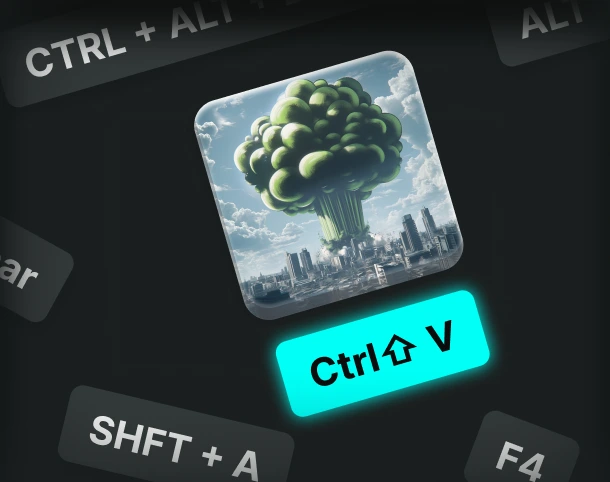
Custom keybinds
Assign sounds and voice filters to any key, and fire them off instantly.
AI voices trained with pro voice actors.
Fairly Trained certified models.
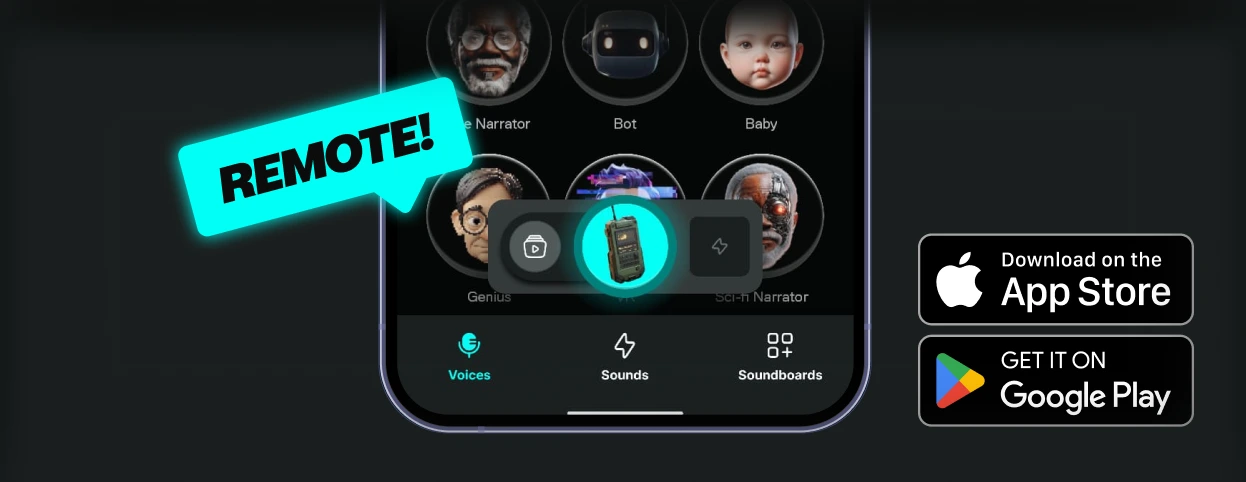
Control Voicemod your way
More than 150 real-time voice changers—and thousands of Community voices. Become the avatar.
How to use the Shys Alley Voice voice changer?
Getting started with Voicemod is quick and easy:
1. Supercharge your mic
Download and install Voicemod. We’ll create a "virtual microphone" to supercharge your sound.
2. Set It Up
Set Voicemod Virtual Microphone as the input device in the app or game you're using.
3. Blow Minds
Pick the Shys Alley Voice voice, drop some memes, and boost the way you sound.
What can you do with Voicemod Voice Changer?
Prank it. Play it. Stream it. Do it all in real time with voice changer on Voicemod.
Prank Infinite
Change your voice, troll your friends - again and again.

Have Fun & Play
Explore all of our Community voices. Try them. Tweak them.
Do your Best Stream
Hook your audience and keep them watching.