

Dinok Voice Changer
by @PreampLiveFader12002
Low with a bit of grit, perfect for those looking for a giant or mountain born creature
- 100
Giant
DryHertzSpectrum9097
- 100
Moai
RigoTheGhost
- 0
Stoney
MeterLimiterParallel69640
- 100
Canyon
DeEsserMultiBandDiffusion28288
- 109
Stone golem
ParallelFlangerPhase98352
- 100
Brownbeard
WahWarmSquare31419
- 100
Minos Prime
Karmske
- 100
Monster
OverdriveSquareCondenser89568
- 100
Giant/Ogre
AmbienceFlangerRing47080
- 100
8 bit entity
ANTIFURRY
- 0
giant
FadingBandwidthChorus8277
- 0
Frost Gient Female 2
FuzzResonanceTape96865
See How others use Dinok as a voice changer
See how streams, games, and chats level up in real time with Voicemod voice changer.
Why choose Voicemod?
Optimized for gamers and streamers.
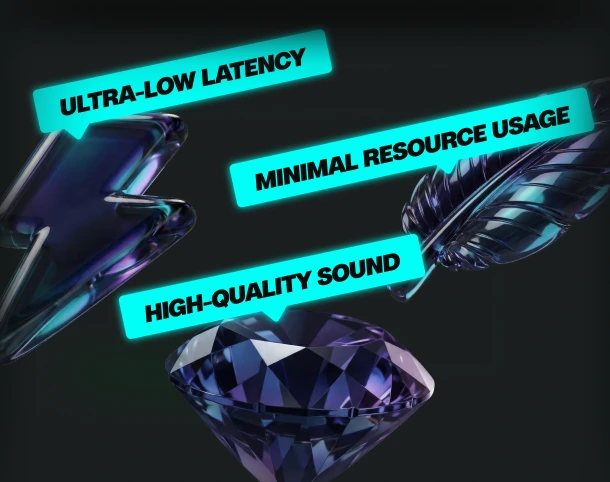
Ultra-low latency and minimal resource use.
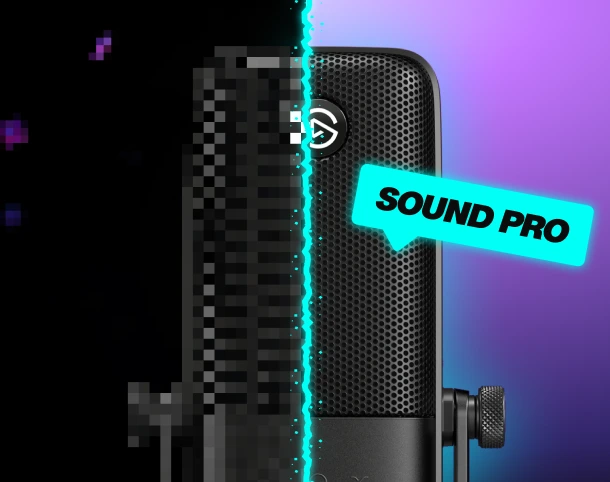
Boost your mic
No matter your setup—built-in noise suppression and voice enhancement.
Custom keybinds
Assign sounds and voice filters to any key, and fire them off instantly.
AI voices trained with pro voice actors.
Fairly Trained certified models.
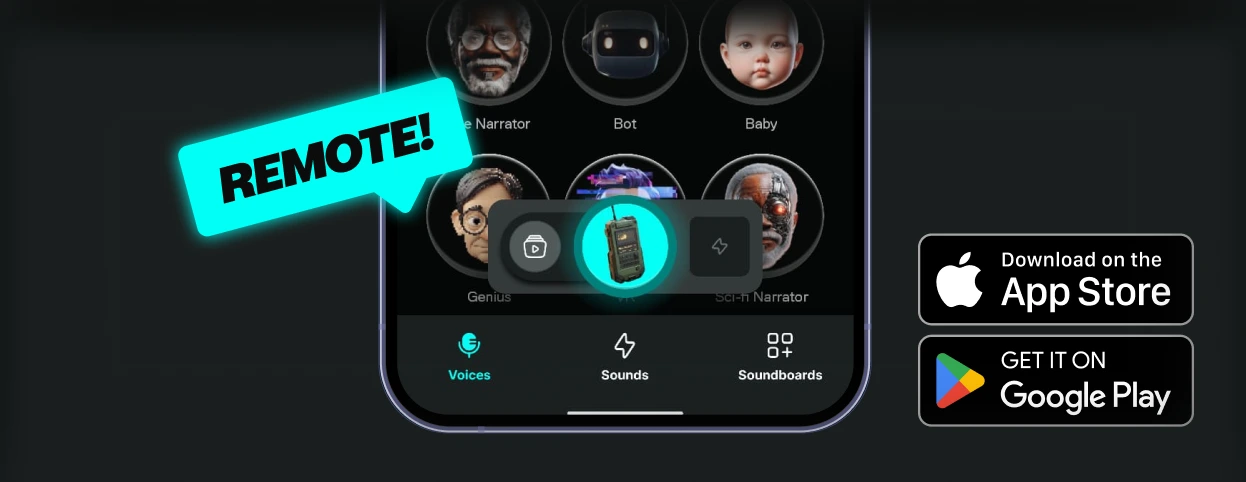
Control Voicemod your way
More than 150 real-time voice changers—and thousands of Community voices. Become the avatar.
How to use the Dinok voice changer?
Getting started with Voicemod is quick and easy:
1. Supercharge your mic
Download and install Voicemod. We’ll create a "virtual microphone" to supercharge your sound.
2. Set It Up
Set Voicemod Virtual Microphone as the input device in the app or game you're using.
3. Blow Minds
Pick the Dinok voice, drop some memes, and boost the way you sound.
What can you do with Voicemod Voice Changer?
Prank it. Play it. Stream it. Do it all in real time with voice changer on Voicemod.
Prank Infinite
Change your voice, troll your friends - again and again.

Have Fun & Play
Explore all of our Community voices. Try them. Tweak them.
Do your Best Stream
Hook your audience and keep them watching.