

- echo alien0
echo alien
CardioidDynamicOscillator85631
- Enderman100
Enderman
GraciousPodcaster481
- Echo Echo Ben 10100
Echo Echo Ben 10
Introvert
- Grey Aliens0
Grey Aliens
Airsoft864
- Slighter Up100
Slighter Up
StereoMeterTremolo19383
- You're a Demon0
You're a Demon
NynxaMinx
- The Machine0
The Machine
FrequencyChamberFader69340
- ever so slightly higher pitch voice100
ever so slightly higher pitch voice
CutoffDecibelBitcrusher77663
- TEM PA System0
TEM PA System
MrMichaelElectric
- DeepSubtle0
DeepSubtle
HighReverseWet39383
- Excom0
Excom
RatioSpectrumPlate19751
- Subtly Lower100
Subtly Lower
MetroIceberg
See How others use Velda as a voice changer
See how streams, games, and chats level up in real time with Voicemod voice changer.
Why choose Voicemod?
Optimized for gamers and streamers.
Ultra-low latency and minimal resource use.
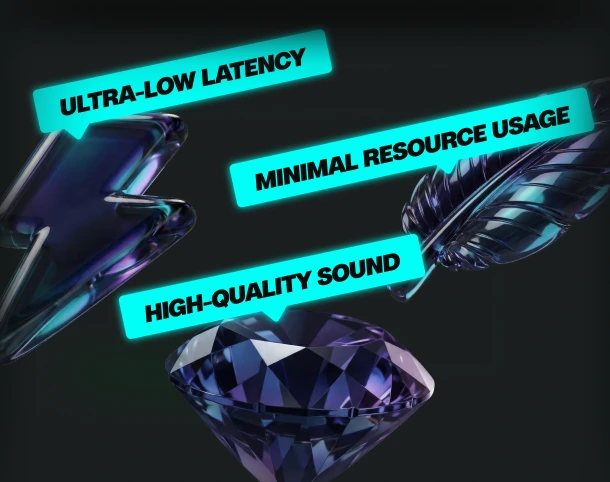
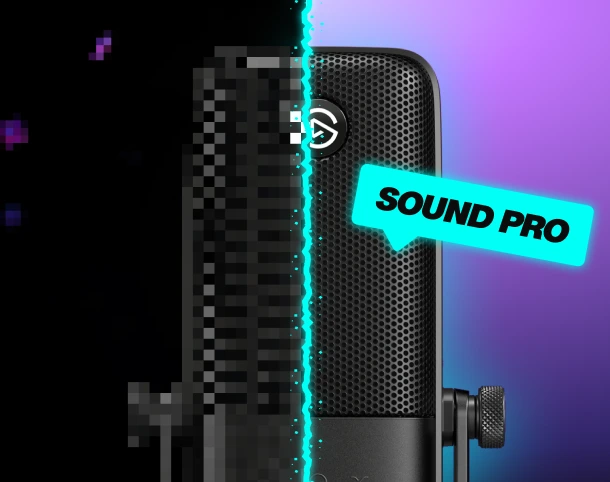
Boost your mic
No matter your setup—built-in noise suppression and voice enhancement.
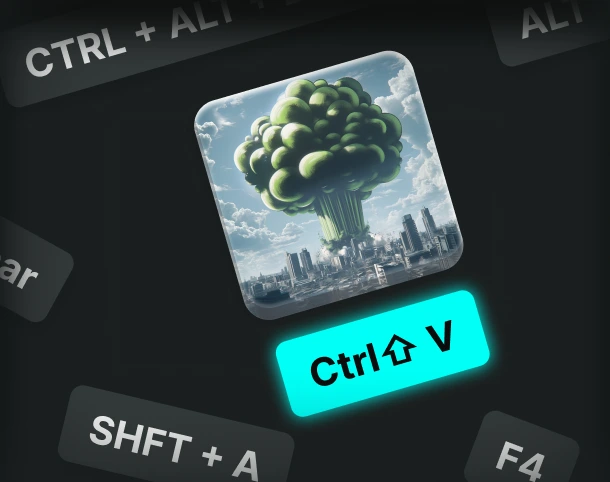
Custom keybinds
Assign sounds and voice filters to any key, and fire them off instantly.
AI voices trained with pro voice actors.
Fairly Trained certified models.
Control Voicemod your way
More than 150 real-time voice changers—and thousands of Community voices. Become the avatar.
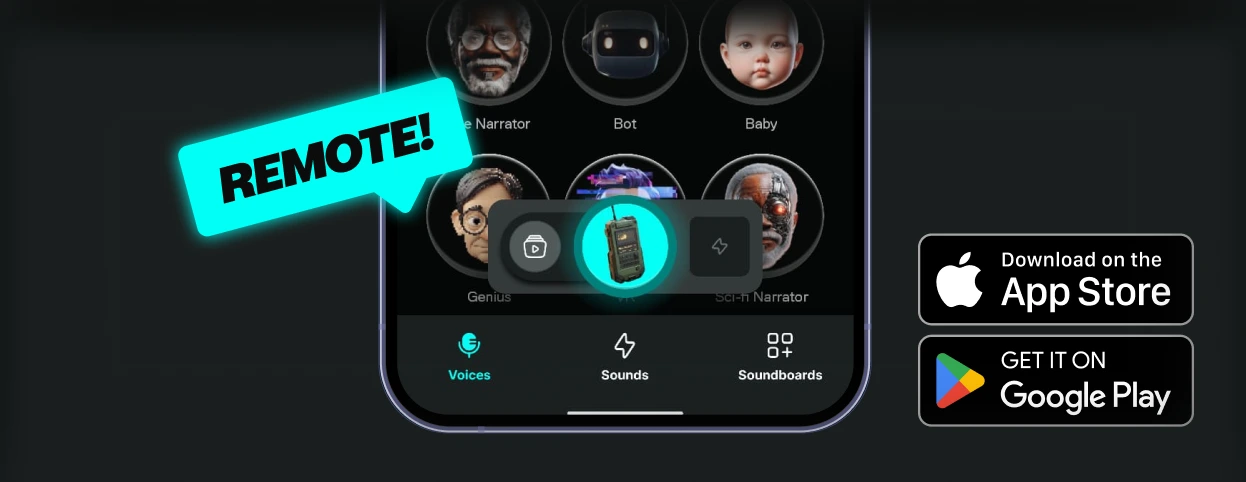
How to use the Velda voice changer?
Getting started with Voicemod is quick and easy:
1. Supercharge your mic
Download and install Voicemod. We’ll create a "virtual microphone" to supercharge your sound.
2. Set It Up
Set Voicemod Virtual Microphone as the input device in the app or game you're using.
3. Blow Minds
Pick the Velda voice, drop some memes, and boost the way you sound.
What can you do with Voicemod Voice Changer?
Prank it. Play it. Stream it. Do it all in real time with voice changer on Voicemod.
Prank Infinite
Change your voice, troll your friends - again and again.

Have Fun & Play
Explore all of our Community voices. Try them. Tweak them.
Do your Best Stream
Hook your audience and keep them watching.